
Best Web Hosting for New Bloggers: How to Choose and Compare

How to choose hosting for a new blog
For most first-time bloggers, an entry-level managed WordPress or hosted-builder plan is enough to get started. Compare the full renewal cost, backups, support, portability, and upgrade path; the right choice depends on the control you want and how much maintenance you can manage.
The providers below are a shortlist, not a live price survey or a tested ranking. Plan names, introductory offers, renewal rates, taxes, and included features change. Confirm the current terms on the provider's plan and checkout pages before buying.
Hosted website builders and self-hosted WordPress
Hosted builders can be a sensible choice when you want a managed setup and simple editing. Self-hosted WordPress offers more control over the software and hosting, but requires more maintenance. Neither option guarantees blog growth, and export or migration options differ, so review each platform's documentation before committing.
Compare the trade-offs that matter to your plans rather than assuming one platform is right for everyone.
Content portability
Export tools and supported formats vary by platform. Before publishing, check whether you can export posts, media, and subscriber data, and what work would be required to move to another service. Keep independent copies of important content and assets.
Self-hosting gives you direct access to site files and the database, but you are also responsible for backups, updates, and migration planning.
Flexibility and maintenance
Hosted builders bundle site management and features into their own platform; WordPress has a broad plugin ecosystem but needs ongoing updates and security care. Compare the integrations and maintenance workload you actually need instead of assuming a builder is inherently slow or cannot scale.
Total cost
Compare the full cost over the billing term, including renewal pricing, domains, themes, plugins, email, backups, and paid support. Self-hosting may have a lower entry price, but its total cost depends on the services and maintenance you add.
Choose the setup that fits your technical comfort, portability needs, and budget. Read the current service terms before publishing on any platform.
A Crucial Note for Beginners: You Don't Need Expensive Hosting!

A new blog often begins with modest traffic, but needs vary. Start with a plan whose published resource limits meet your expected workload, and check how upgrades or migrations work. Avoid paying for capacity you do not need, while keeping backups and support in scope.
Five providers to compare for a new blog
Compare the plan available in your region against your needs for support, storage, backups, migration, and renewal pricing. No provider is the best fit for every blog.
Quick Comparison Table
Some outbound links may be affiliate links. They do not change the comparison criteria; confirm product details and billing terms directly with the provider.
| Host | Best For | What to compare | Before you buy |
|---|---|---|---|
| InMotion Hosting | Support and migration options | Renewal rate, billing term, backup policy | Confirm current terms on the plan page |
| GreenGeeks | Environmental claims and included tools | Plan limits and energy methodology | Confirm current renewal pricing |
| MissHosting | Entry-plan cost | Storage, support, and renewal terms | Confirm current billing and migration terms |
| VeeroTech | Support and backup policy | Backup retention and restore process | Confirm current support and renewal terms |
| JetHost | Security and included controls | Plan limits and security scope | Confirm current renewal pricing |
Evaluate: Support and migration options
Price and terms: Check the current checkout price
Check: Compare renewal terms and backup policy
Evaluate: Environmental claims and included tools
Price and terms: Check the current checkout price
Check: Review the provider's energy methodology and plan limits
Evaluate: Entry-plan cost
Price and terms: Check the current checkout price
Check: Compare storage, support, and renewal terms
Evaluate: Support and backup policy
Price and terms: Check the current checkout price
Check: Confirm backup retention and restore process
Evaluate: Security and included controls
Price and terms: Check the current checkout price
Check: Confirm plan limits and security scope
1. InMotion Hosting: The Reliability Champion

InMotion Hosting is a veteran in the industry known for its rock solid reliability and excellent US based customer support. They provide a fantastic launch experience for new bloggers.
Why It's a Great Choice for Beginners:
- ✅ Free Launch Assist: Get a free 30-minute coaching session with their experts to help you set up your site. This is invaluable for a total newbie.
- ✅ Intuitive Control Panel: Their custom dashboard is clean and easy to navigate, making site management simple.
- ✅ Free Domain & SSL: Get started with a professional look and security from day one.
- ✅ 90-Day Money-Back Guarantee: One of the longest in the industry, giving you peace of mind.
Pricing:
Check InMotion's current plan page for introductory and renewal rates, billing term, taxes, backup policy, and support scope. Compare the full term cost rather than only the monthly equivalent advertised for a long commitment.
2. GreenGeeks: The Eco-Friendly Powerhouse

GreenGeeks doesn't just offer hosting they put back 300% of the energy they consume into the grid. Beyond their green credentials, they are a performance focused host built on the lightning fast LiteSpeed server.
Why It's a Great Choice for Beginners:
- ✅ Built for Speed: Includes LiteSpeed web server and free CDN, ensuring your blog loads fast for visitors everywhere.
- ✅ Automatic Nightly Backups: Your work is automatically saved, so you never have to worry about losing a post.
- ✅ Simple 1-Click WordPress Installs: Get WordPress up and running in under 5 minutes.
- ✅ Unlimited Resources on Pro Plan: Perfect for when you start to grow.
Pricing:
Check GreenGeeks' current plan page for introductory and renewal rates, billing term, taxes, resource limits, and the details behind its environmental claims.
3. MissHosting: The Budget-Friendly All-Rounder
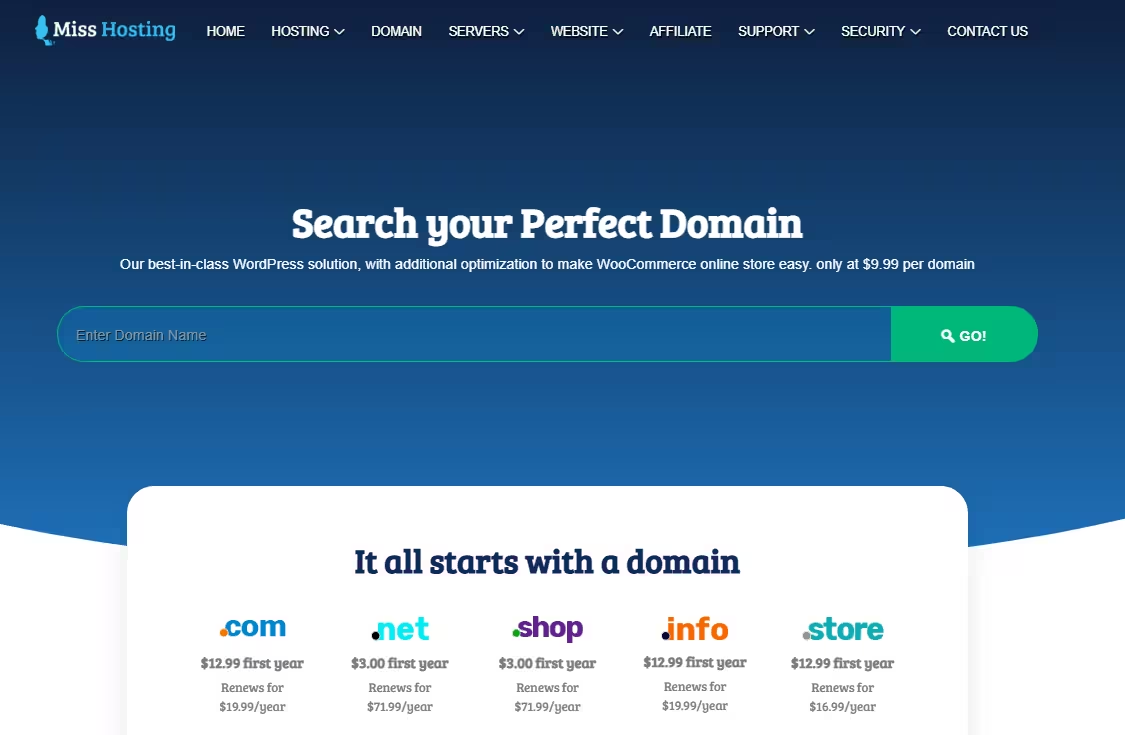
MissHosting focuses on delivering core hosting features at a price point that is almost impossible to beat, making it a compelling option for those just testing the waters.
Why It's a Great Choice for Beginners:
- ✅ Extremely Low Cost: One of the most affordable entry points into self-hosted WordPress.
- ✅ Free Website Migration: If you have an existing site on another host, they'll often move it for you for free.
- ✅ Standard Features Included: Comes with free SSL, email accounts, and a user-friendly control panel.
- ✅ No Surprises: Straightforward pricing without hidden fees.
Pricing:
Check MissHosting's current plan page for introductory and renewal rates, billing term, taxes, storage, email limits, and migration terms.
👉 Want a deeper breakdown? Read our full MissHosting review here.
4. VeeroTech: The Support Specialist
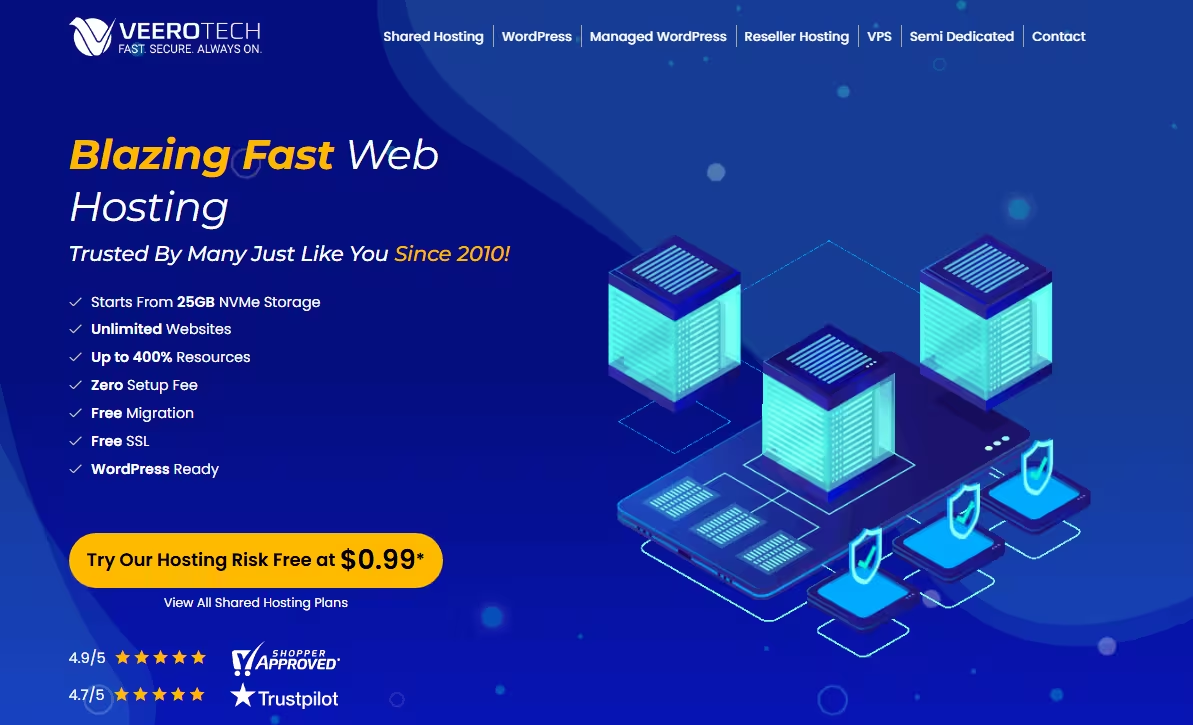
VeeroTech is a smaller, customer centric provider that has built a stellar reputation for its top-notch support. If you value being able to talk to an expert quickly, they are a prime choice.
Why It's a Great Choice for Beginners:
- ✅ Outstanding Support: Their support team is known for being fast, knowledgeable, and patient with beginners.
- ✅ Free Daily Backups: Know that your site is being backed up automatically every single day.
- ✅ Performance Optimized: They use high-quality servers and caching to ensure good site speed.
- ✅ Free SSL & Easy Setup: All the essential features are included and easy to set up.
Pricing:
Check VeeroTech's current plan page for pricing, billing term, backup retention, support availability, and renewal terms.
5. JetHost: The Speed & Security Focused Option

JetHost offers a feature rich environment with a strong emphasis on security and performance. They are a great choice if you want to feel like your site is in a digital fortress.
Why It's a Great Choice for Beginners:
- ✅ Proactive Security: Includes Imunify360 security, which actively protects your site from malware and attacks.
- ✅ Free CDN & Caching: Built-in tools to make your site fast without any technical know how.
- ✅ Simple Management Dashboard: Their custom panel is designed for ease of use.
- ✅ Developer-Friendly: As you grow and want to tinker, they offer more advanced tools.
Pricing:
Check JetHost's current plan page for pricing, billing term, resource limits, included security features, and renewal terms.
How to choose:
Start with the platform you want to use, then compare the total contract cost, support channels, backups, migration process, and steps required to upgrade. Choose a plan that meets your needs without paying for unused capacity.